Jump to content
View in the app

A better way to browse. Learn more.

300ZX Owners Club

A full-screen app on your home screen with push notifications, badges and more.

To install this app on iOS and iPadOS
  1. Tap the Share icon in Safari
  2. Scroll the menu and tap Add to Home Screen.
  3. Tap Add in the top-right corner.
To install this app on Android
  1. Tap the 3-dot menu (⋮) in the top-right corner of the browser.
  2. Tap Add to Home screen or Install app.
  3. Confirm by tapping Install.

Gabor Z

Dormant Member
  • Joined

  • Last visited

  • Country

    United Kingdom

About Me

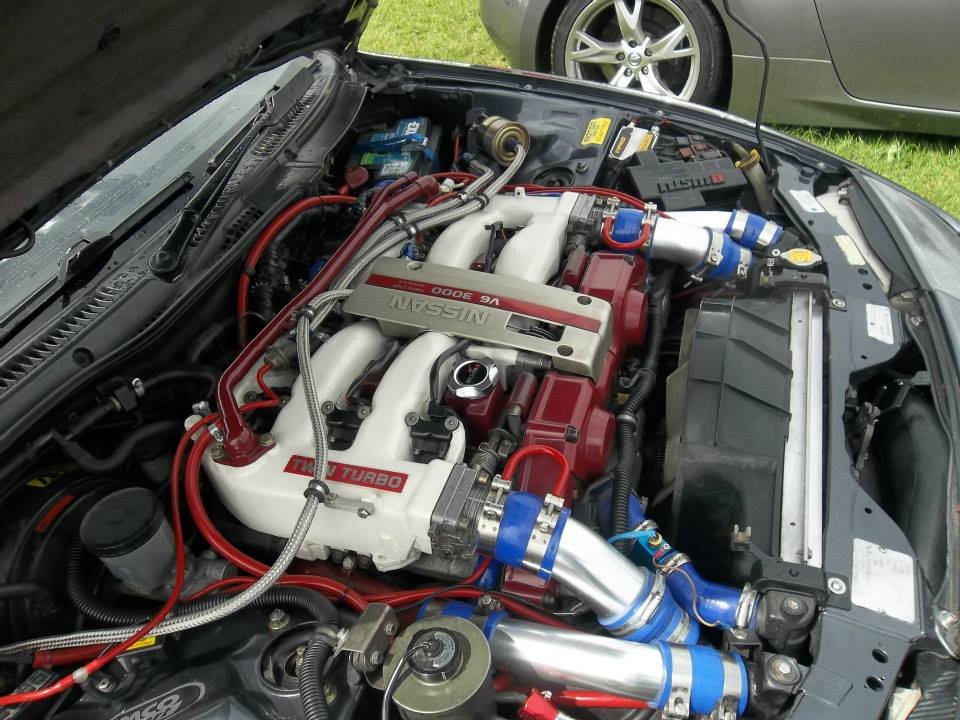
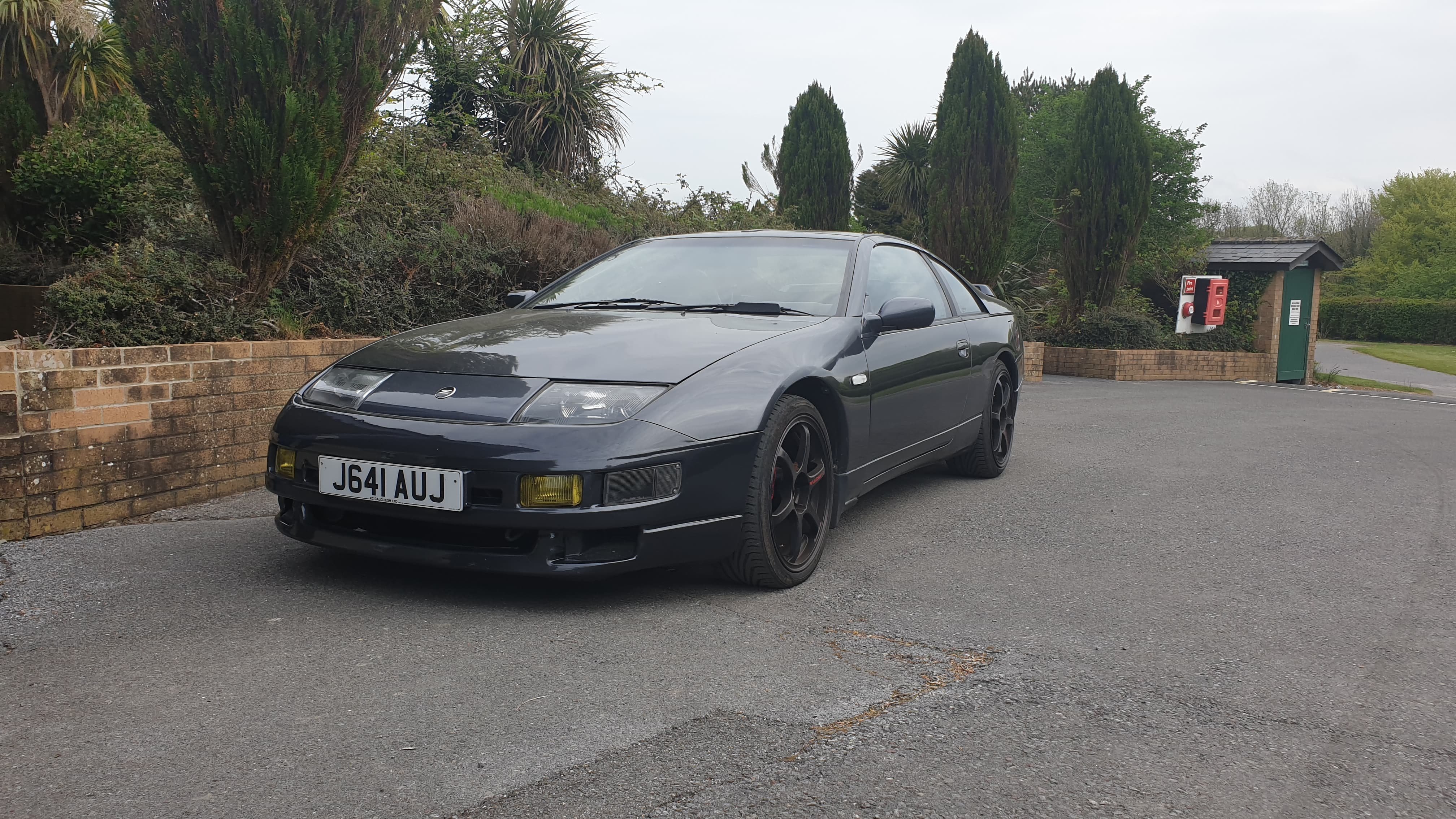
My Fairlady is a converted manual Z32 TT. 1991.  
She is my 2nd Z32.
I recently bought her from Scotland 04/2020, had it transported down to the South West under the lockdown. 

In her life she was running on a private number plate: J10 ACE.
According to DVLA Database it's only done 2k miles since 2013.

I would like to do a "re-search" and gather all the information about her, other members of the club may know about this car, and any pictures, stories, information are welcome, ex-owners please say hello ? (8 previous owners)

Thank for reading this, here is a little help if you are looking for OEM parts by part numbers: japancars.ru
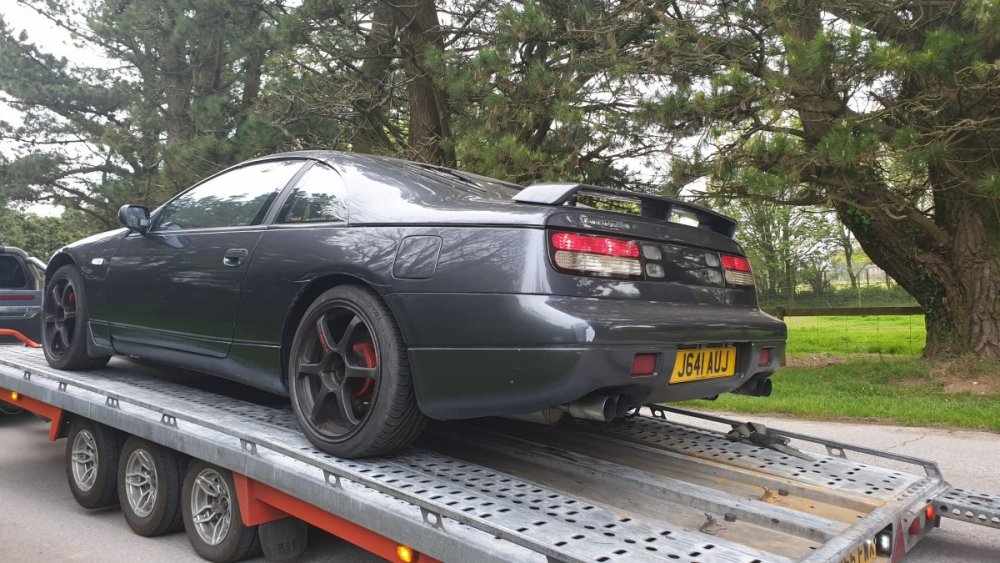
96350046_914739655617534_1245816781021380608_n.jpg

10312450_743701785674032_5493572244599125295_n.jpg


My EX Fairlady Z32 TT Auto, sold in 2015:
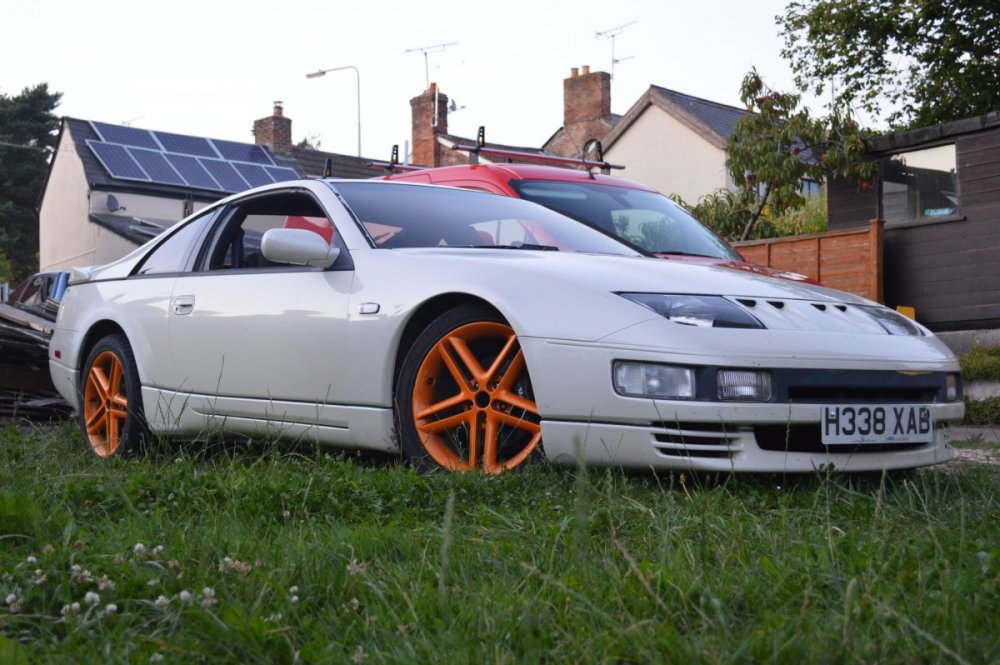
 

DSC_0486.JPG

Important Information

Terms of Use

Configure browser push notifications

Chrome (Android)
  1. Tap the lock icon next to the address bar.
  2. Tap Permissions → Notifications.
  3. Adjust your preference.
Chrome (Desktop)
  1. Click the padlock icon in the address bar.
  2. Select Site settings.
  3. Find Notifications and adjust your preference.