Jump to content
View in the app

A better way to browse. Learn more.

300ZX Owners Club

A full-screen app on your home screen with push notifications, badges and more.

To install this app on iOS and iPadOS
  1. Tap the Share icon in Safari
  2. Scroll the menu and tap Add to Home Screen.
  3. Tap Add in the top-right corner.
To install this app on Android
  1. Tap the 3-dot menu (⋮) in the top-right corner of the browser.
  2. Tap Add to Home screen or Install app.
  3. Confirm by tapping Install.

Z-itus

Dormant Member
  • Joined

  • Last visited

  • Country

    United States

About Me

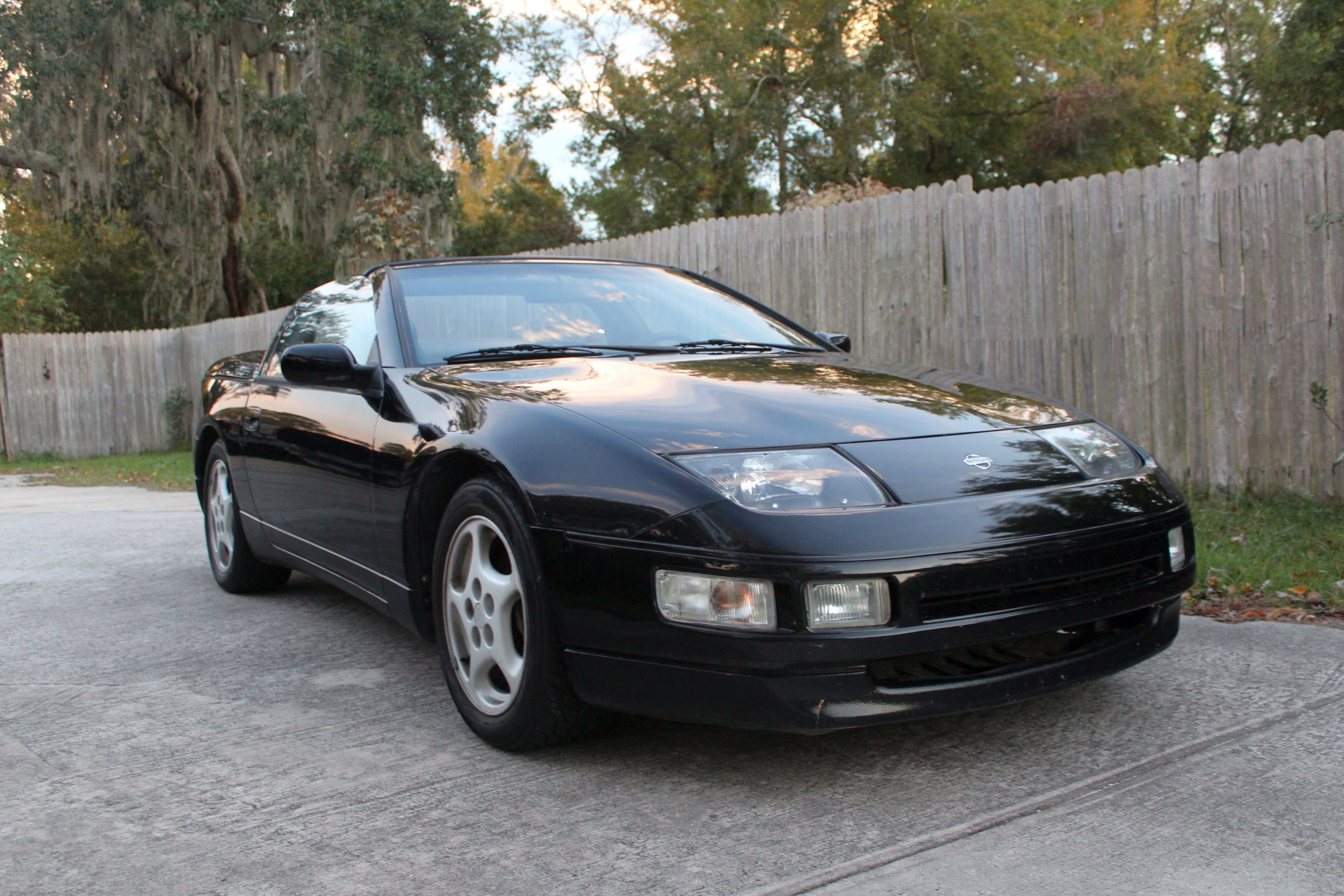
I have been a Z guy since seeing my first Z from a school bus in 1970-got my first one with my drives license in 1982, never been Z-less since!  Strongest Z loves are the S30 and the Z32, I have 2 Z32 verts in the garage, KH3 '94 and a KH6 '93...  Cleaning up the engine bay on the white one for Zcon 2020, and taking the black one to Cars & Coffee at Amelia Island in March.spacer.png

Important Information

Terms of Use

Account

Navigation

Search

Configure browser push notifications

Chrome (Android)
  1. Tap the lock icon next to the address bar.
  2. Tap Permissions → Notifications.
  3. Adjust your preference.
Chrome (Desktop)
  1. Click the padlock icon in the address bar.
  2. Select Site settings.
  3. Find Notifications and adjust your preference.