


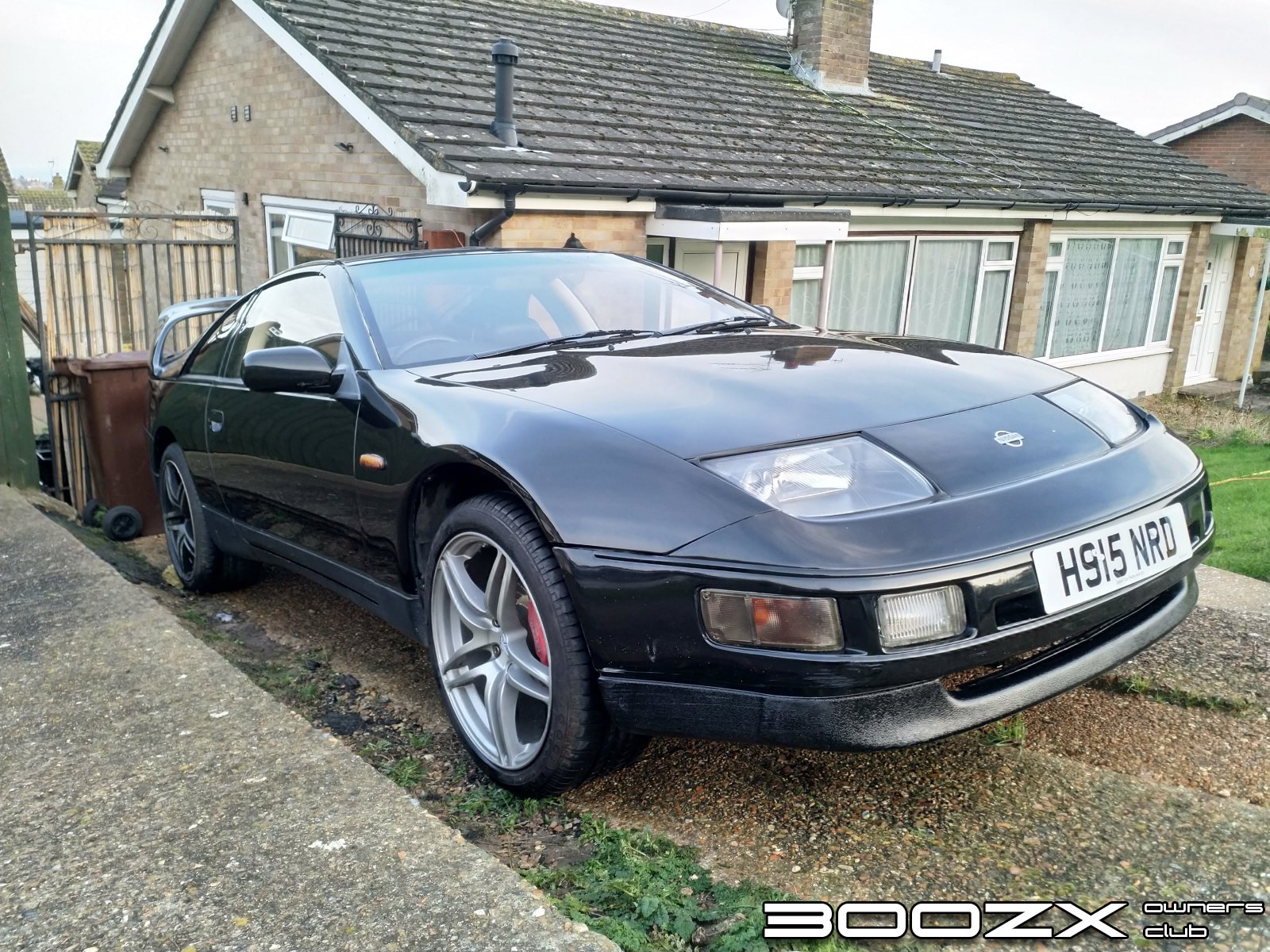
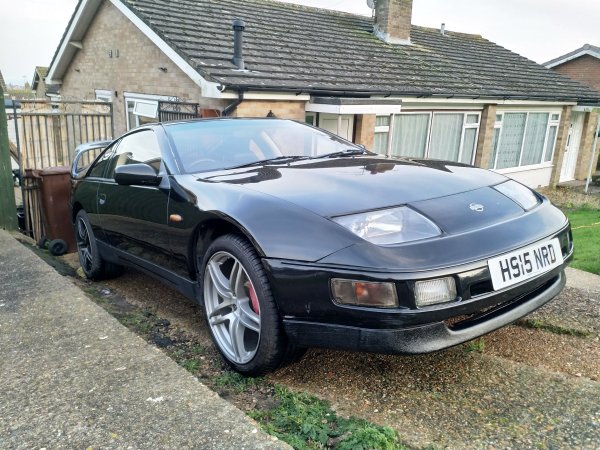
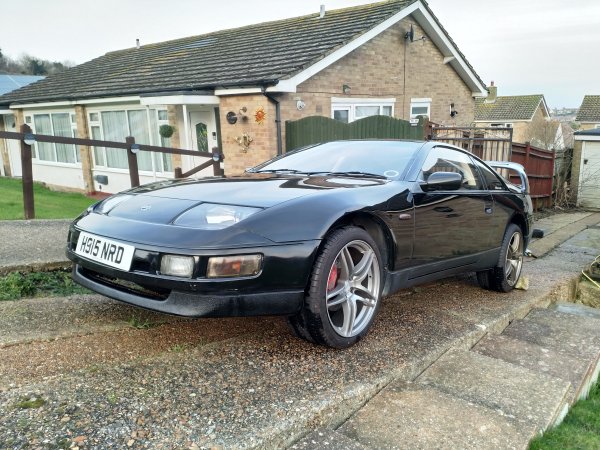
Nissan 300ZX TT 1991 Black (NRD) - Sold
The car was bought in July 2019 as a winter project. It had been sitting on a drive for 10 years and needed a bit of love and rebuilding.
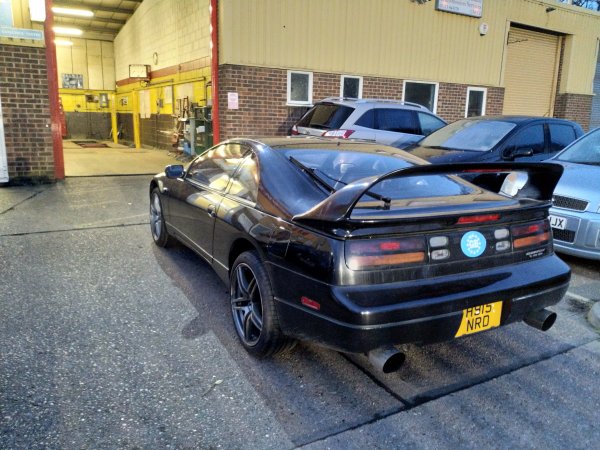
The engine although in place, wasn't connected up, so that needed doing. There was an after market intercooler kit to fit and a bumper to fettle into place. Everything was done myself and I have learnt a lot about zeds through this project!
The car is now running, albeit with a seized caliper! At the moment it is staying on the drive until the caliper, timing belt and other service related jobs are done when I can then MOT it and start using her.
Future plans include: Tidying up engine bay, fitting decent boot lid, spraying all alloys the same colour, finishing the ICE system inside and working out why its the only zed that will drive onto my really steep drive!
- 15 images
- 2,422 views
-
-
 3
3
-
15 images
-
By TheRealNips
-
By TheRealNips
-
By TheRealNips
-
By TheRealNips
-
By TheRealNips
-
By TheRealNips
-
By TheRealNips
-
By TheRealNips
-
By TheRealNips
-
By TheRealNips
-
By TheRealNips
-
By TheRealNips
-
By TheRealNips
-
By TheRealNips
-
By TheRealNips


.jpg.a4186ebe3bd7a2c724d8b4a9f3d8c833.jpg)
.jpg.e4ae1d53bbb0bf7aee8c727356a89533.jpg)
.jpg.876d7e06a9a5ae6187e72d2c0bd292ee.jpg)
.jpg.0ddc17f8c0a7db033d191d267493eef4.jpg)
.jpg.60d3d09544f43a781c3c804525fb799a.jpg)
.jpg.70525b14727572e425067732e6e3f26c.jpg)
.jpg.c5e36a7304174399bdc20df9c986c0e9.jpg)
.jpg.460b2fc1c725c9cb2c5f0839c5c86d11.jpg)
.jpg.1af048efb1fd3260c1302f04d3637eef.jpg)
